


Apple Scoop menu

Upload
Remove ads with Pro

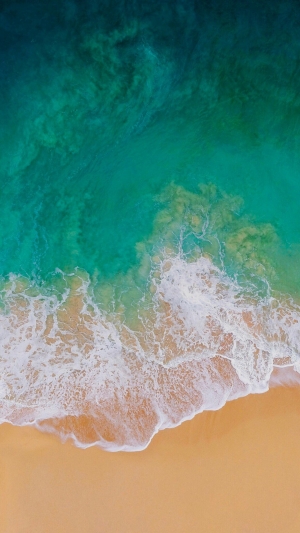
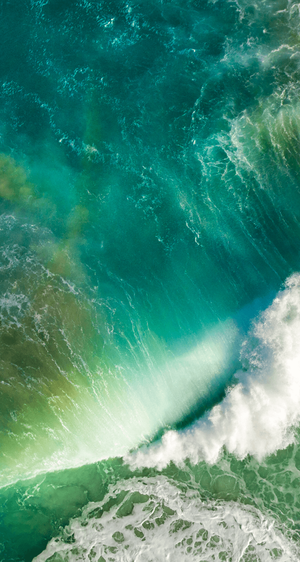
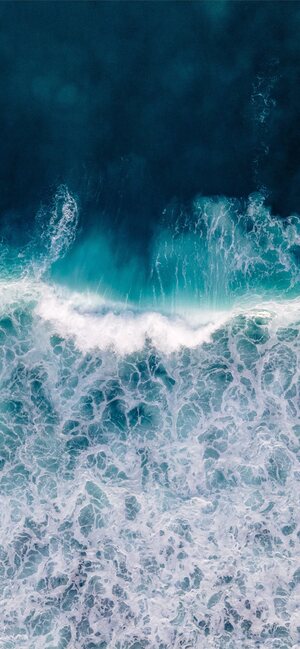
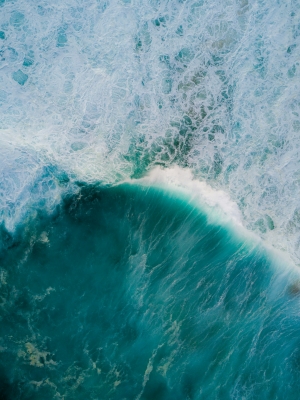
Popular Wave Crashing Wallpapers

Browse 97 popular wallpapers and download the originals


Remove ads with Pro
Remove ads with Pro


List Mode Free Wallpaper Generator Upload A Wallpaper
Apple news & rumors
Is the Hulu app shutting down? The Disney+ merge in December

Is the Hulu app shutting down? The Disney+ merge in December

Apple6 mins41 minutes ago
Could India ban iPhone sales over NameDrop? What the suit asks

Could India ban iPhone sales over NameDrop? What the suit asks

Apple4 mins1 hour ago
Xbox Series X or S for GTA 6: which to buy this Black Friday

Xbox Series X or S for GTA 6: which to buy this Black Friday

Microsoft6 mins2 hours ago
GTA 6 Xbox build leak: what CyberLeek claims and the risks

GTA 6 Xbox build leak: what CyberLeek claims and the risks

Rockstar Games5 mins3 hours ago
MacBook Neo on Black Friday: buy now or wait for MacBook Neo 2?

MacBook Neo on Black Friday: buy now or wait for MacBook Neo 2?

MacBook Neo7 mins4 hours ago
Red HomePod mini 2 and AirPods Max 2: Apple's first since 2023

Red HomePod mini 2 and AirPods Max 2: Apple's first since 2023

Apple7 mins5 hours ago
GTA 6 update 01.002.002: patch notes, size and known issues

GTA 6 update 01.002.002: patch notes, size and known issues

Rockstar Games5 mins5 hours ago
Jensen Huang reinstated as Nvidia CEO: what changed and why

Jensen Huang reinstated as Nvidia CEO: what changed and why

NVIDIA6 mins6 hours ago
Leaving Netflix in December 2026: every date, plus what's new

Leaving Netflix in December 2026: every date, plus what's new

Netflix6 mins6 hours ago
Kindle vs Kobo for Black Friday 2026: which to buy with an iPhone

Kindle vs Kobo for Black Friday 2026: which to buy with an iPhone

Amazon6 mins7 hours ago
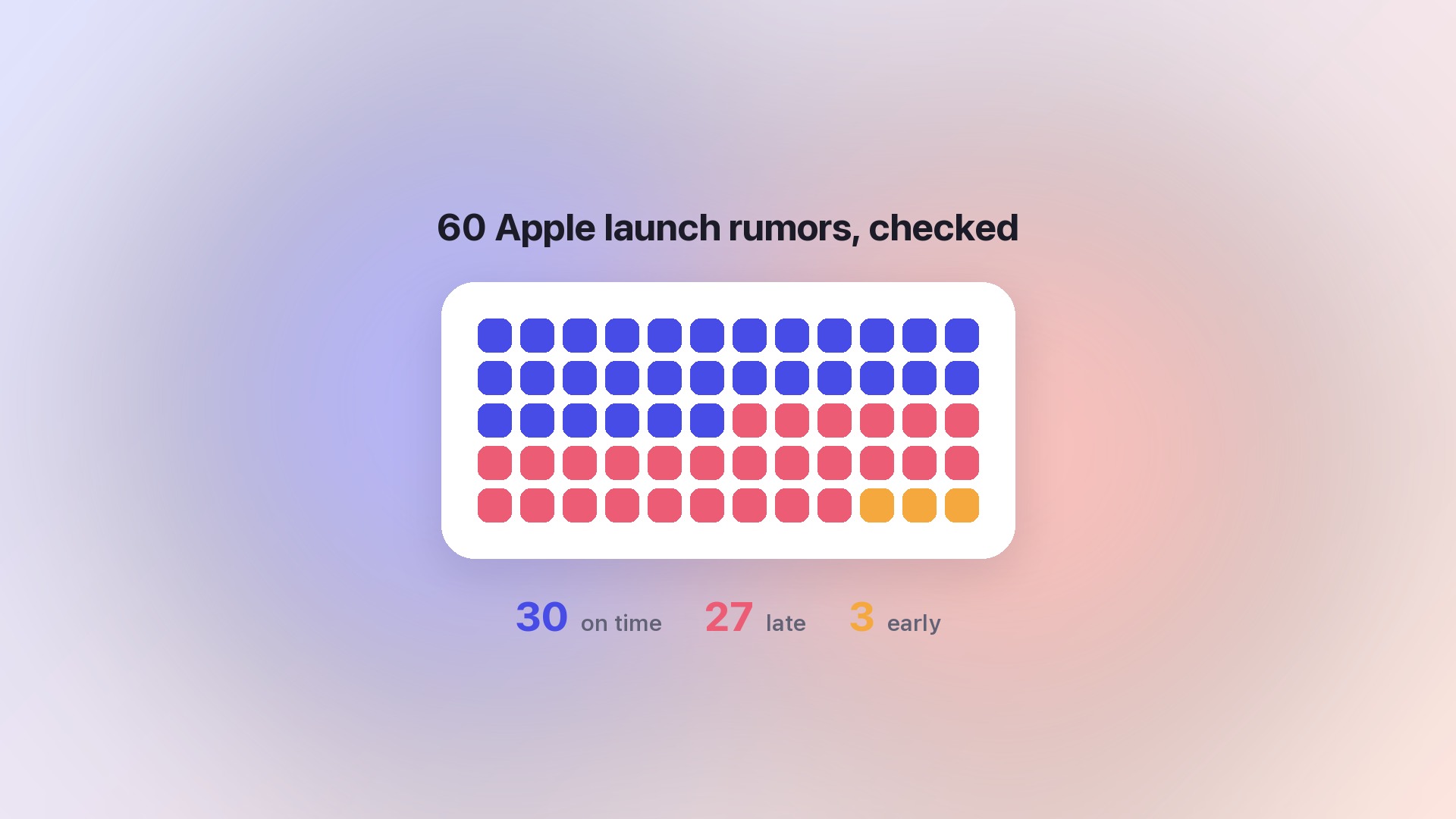
Apple product name rumors: 14 of 16 right in the final month

Apple product name rumors: 14 of 16 right in the final month

Apple5 mins8 hours ago
California sues OpenAI over AI safety: what the lawsuit claims

California sues OpenAI over AI safety: what the lawsuit claims

OpenAI5 mins9 hours ago
Garmin fenix 8 vs Apple Watch Ultra 4 for Black Friday 2026

Garmin fenix 8 vs Apple Watch Ultra 4 for Black Friday 2026

Apple6 mins10 hours ago
PlayStation Plus free games December 2026: reveal date and time

PlayStation Plus free games December 2026: reveal date and time

Sony6 mins11 hours ago
Jensen Huang net worth: $110 billion and the $10.5 billion trust

Jensen Huang net worth: $110 billion and the $10.5 billion trust

NVIDIA6 mins12 hours ago
Galaxy S26 FE Black Friday: worth it over the S26 or Pixel 10a?

Galaxy S26 FE Black Friday: worth it over the S26 or Pixel 10a?

Samsung6 mins12 hours ago
Mark Gurman's Siri and AI calls scored: 11 of 14 came true

Mark Gurman's Siri and AI calls scored: 11 of 14 came true

Apple7 mins13 hours ago
Anthropic stock after its IPO: ANT ended week one 7% above $83

Anthropic stock after its IPO: ANT ended week one 7% above $83

Anthropic5 mins14 hours ago
Apple robotics jobs: five roles to give robots a sense of touch

Apple robotics jobs: five roles to give robots a sense of touch

Apple6 mins15 hours ago
PS5 Pro Black Friday 2026: why it's sold out and what to buy

PS5 Pro Black Friday 2026: why it's sold out and what to buy

Sony7 mins19 hours ago
Apple's spring launch dates since 2015, and what 2027 holds

Apple's spring launch dates since 2015, and what 2027 holds

Apple8 mins19 hours ago
iOS 27.3 beta 2 brings HomeView's Perception system to iPhone

iOS 27.3 beta 2 brings HomeView's Perception system to iPhone

Apple6 mins20 hours ago
Delta outage on November 22: what failed and what you're owed

Delta outage on November 22: what failed and what you're owed

Delta Air Lines7 mins20 hours ago
Starlink prices 2026: every plan in the US, UK, Canada, AU and NZ

Starlink prices 2026: every plan in the US, UK, Canada, AU and NZ

SpaceX7 mins21 hours ago
Best iPad Pro (M5) accessories 2026: keyboard, Pencil and cases

Best iPad Pro (M5) accessories 2026: keyboard, Pencil and cases

Apple6 mins22 hours ago
Remove ads with Pro

Popular categories right now

Ranked by what readers downloaded in the last two weeks. Covers update as new favorites arrive.

Browse all

What size should a Wave crashing wallpaper be?

1320 × 2868

For the newest iPhone, the iPhone 18 Pro Max, use 1320 by 2868 pixels. Smaller models crop the same image cleanly, so one large file covers the whole range.

There are 97 wallpapers for “Wave crashing”. Every wallpaper page lists the file’s real dimensions before you download, and the For your device option saves a copy cut to your exact screen.

Apple Scoop Creators

Share your wallpapers and earn from them

Upload your photos and art for free. You get a profile, credit on every wallpaper, and a share of what each one earns, including crops other people make from it.

Pro and Max

Every wallpaper, no ads

  • Pro: every 4K wallpaper with every filter, no ads anywhere, one payment
  • Max: originals up to 12K, editing tools on every wallpaper and AI creation
  • Both: unlimited downloads and saves
✦

Your library

Your saves, your creations and what your plan includes.

Saved wallpapers See all

Tap the bookmark on any wallpaper to keep it here.

Make your own

Create a wallpaper from an idea, or upload your own photos and art.

Free account
    Account settings

    How do you set a wallpaper?

    Three steps on each device. Pick yours.

    1. Save itOpen a wallpaper, tap Download, then Save to Photos.
    2. Add itGo to Settings, Wallpaper, Add New Wallpaper, then choose Photos and pick it.
    3. Place itPinch to frame it, tap Add, then Set as Wallpaper Pair or customize the Home Screen.
    1. Save itOpen a wallpaper, tap Download, then Save to Photos.
    2. Add itGo to Settings, Wallpaper, Add New Wallpaper, then choose Photos and pick it.
    3. Place itTurn iPad to check both orientations, then tap Add.
    1. Save itDownload the wallpaper. It lands in your Downloads folder.
    2. Add itOpen System Settings, Wallpaper, then Add Photo and choose the file.
    3. Or quickerRight-click the file in Finder and choose Set Desktop Picture.
    1. Save itOn your iPhone, download the wallpaper and save it to Photos.
    2. Share itOpen it in Photos, tap Share, then Create Watch Face.
    3. Pick a faceChoose the Photos face and tap Add. It syncs to your watch.

    Questions people ask

    Are Wave crashing wallpapers free to download?

    Yes. Everyone gets free downloads every day at full screen quality, with no account needed. Pro removes ads and the daily limit and opens every 4K file. Max adds originals up to 12K, editing tools and AI creation.

    Will a Wave crashing wallpaper fit my iPhone 18 Pro Max?

    Each wallpaper page shows its real size. For the iPhone 18 Pro Max, look for 1320 by 2868 pixels or larger, or use For your device to save a copy cut to that screen.

    Can I use one wallpaper on the Lock Screen and Home Screen?

    Yes. When you add a wallpaper in Settings, choose Set as Wallpaper Pair to use it on both, or customize the Home Screen to blur it or pick a color.

    Can I upload my own wallpapers?

    Yes. Upload photos or art for free and we suggest the tags. Join Apple Scoop Creators to get a profile, credit on every wallpaper and a share of what your wallpapers earn.

    Trending on Apple Scoop

    What readers are opening most this week.

    All stories